




Welcome back everyone 👋 and a heartfelt thank you to all new subscribers who joined in the past week!
This is the 90th issue of the Gorilla Newsletter—a weekly online publication that sums up everything noteworthy from the past week in generative art, creative coding, tech, and AI.
If it's your first time here, we've also got a Discord server where we nerd out about all sorts of genart and tech things — if you want to connect with other readers of the newsletter, come and say hi: here's an invite link! (opens in a new tab)
Before we get into this week's roundup of creative tech shenanigans, let's talk about plotters 👇
Getting into Pen Plotting
As the banner of this week's issue might already have revealed — I got a plotter!
It arrived this past Monday actually, just a couple of hours after the previous issue of the newsletter had gone out. I didn't waste much time, quickly set it up, and had it trace out some sketches.
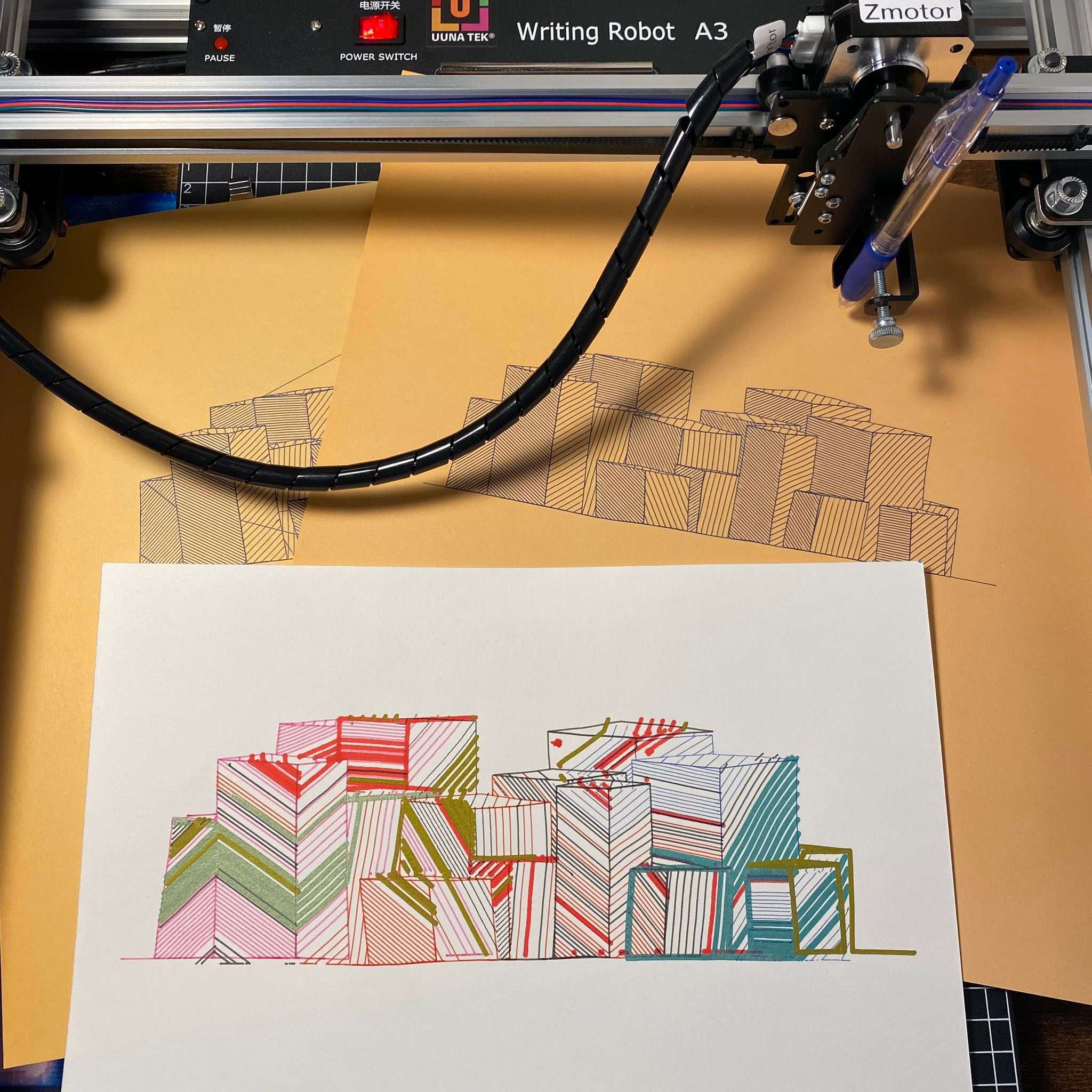
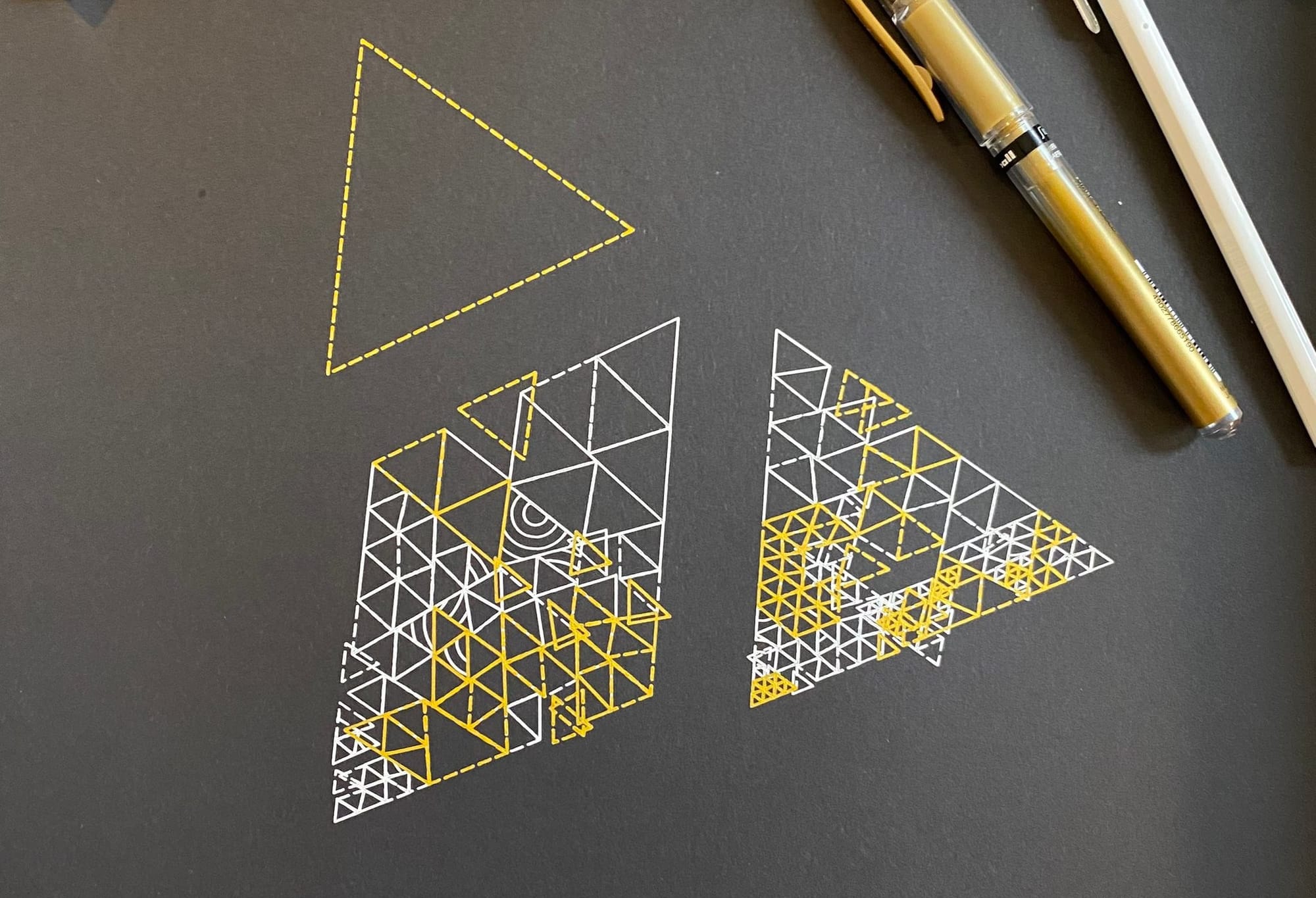
I've enjoyed the process tremendously — not only because it's quite meditative to watch the plotter slowly bring physical instances of my sketches to life, but also because it's brought up some interesting new technical challenges that I had to figure out.
Luckily there's tools like Zenozeng's SVG runtime for P5 (opens in a new tab), that I've previously explored way back in 2022 (opens in a new tab), as well as Golan Levin's newer p5.plotSvg (opens in a new tab), both of which make it quite straightforward to turn P5 outputs into plottable SVGs.
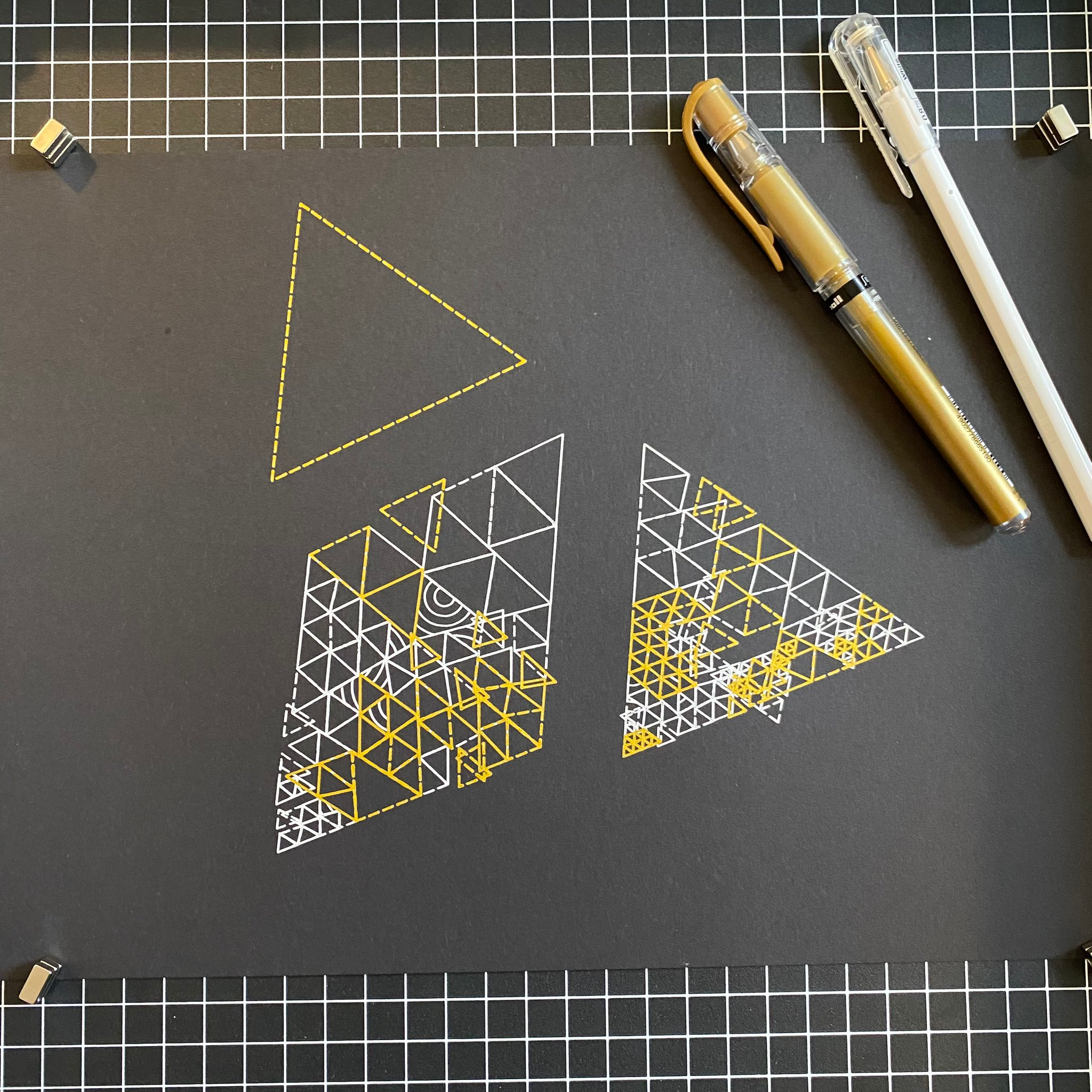
With the plotter you also need to start thinking a bit more about what works well on paper, rather that what is possible digitally (everything) — which is honestly a welcome restriction that I'm happy to embrace.
I also already discovered some other useful tools, like the axidraw hidden line removal plugin for inkscape (opens in a new tab) that's quite handy when you have many overlapping shapes, as well as the svgo command line tool (opens in a new tab), that will not only trim down your svg files but also reorder the paths so that the plotter doesn't waste time jumping around back and forth.
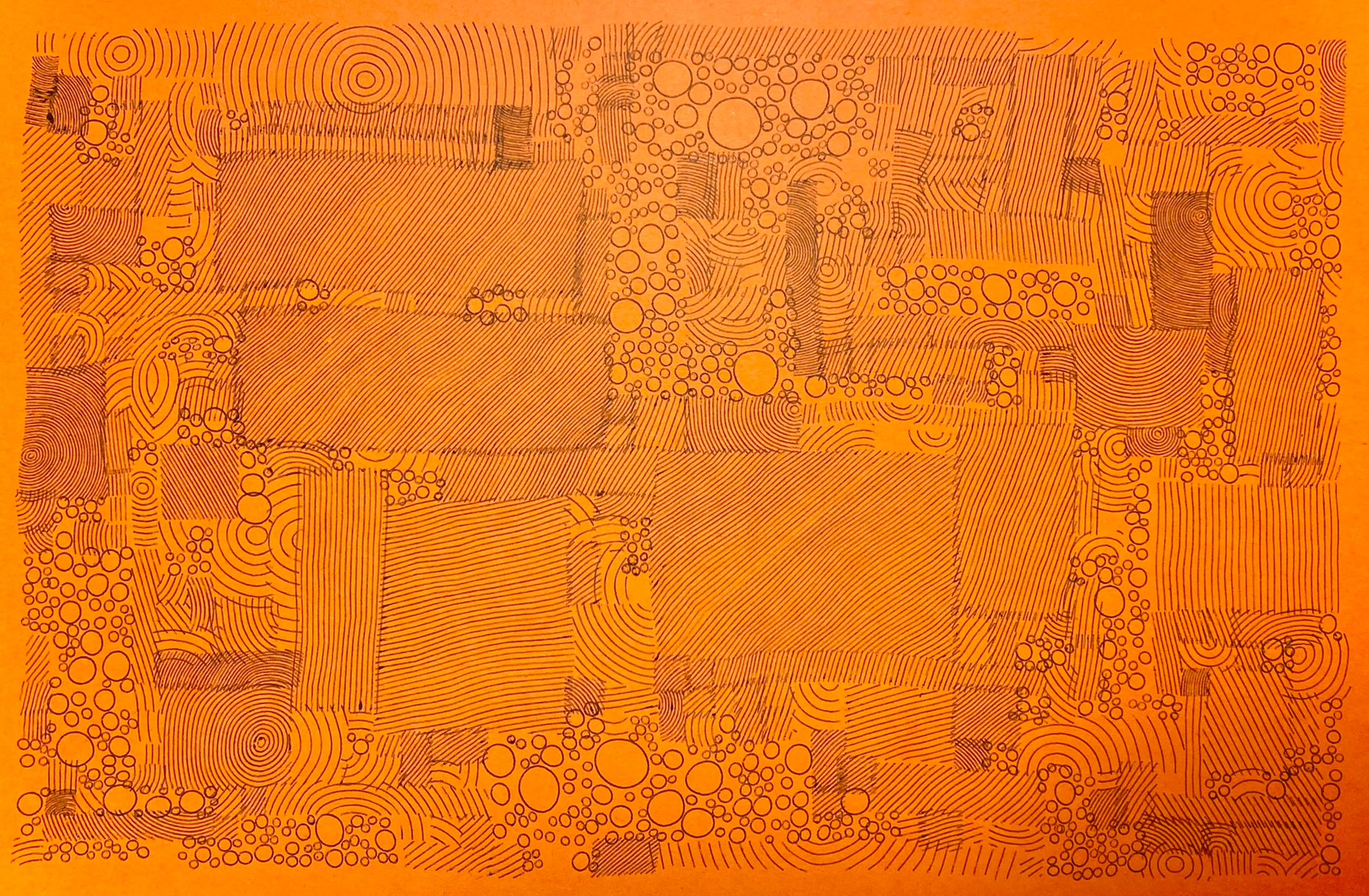
A gigantic shout-out to Dan Catt here, and all the content he's made around pen plotting — it's been a tremendous help! Check out his YouTube here (opens in a new tab).
I'll have more updates/pics to share next week — feel like I'm slowly getting the hang of it here. One issue I'm running into right now though, is how to not spend all of my money on pens and paper 😆
That said — cue the news 👇
All the Generative Things

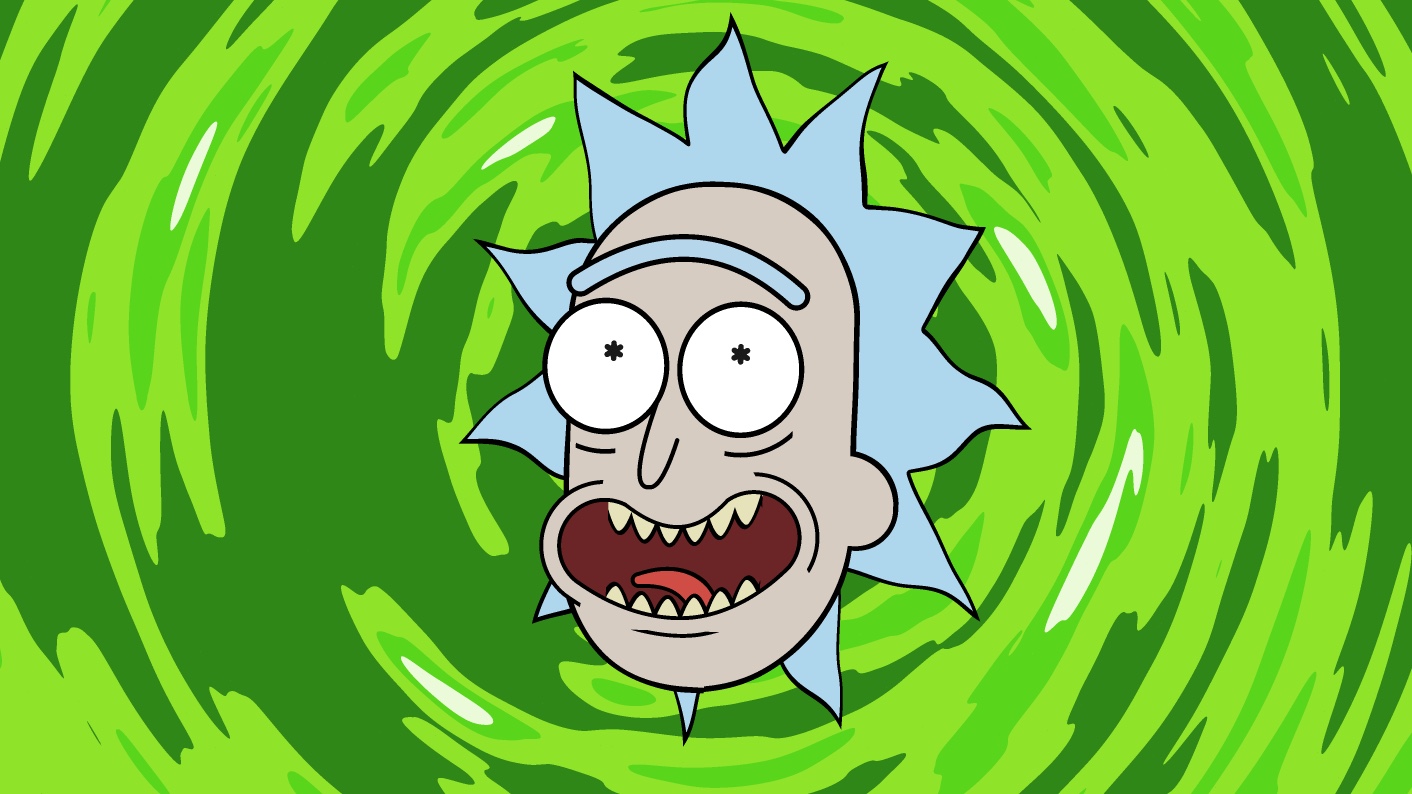
The tutorial starts by explaining SDFs to create basic shapes that'll make up individual parts of Rick's face, and then shows how to combine them into more interesting composite shapes by computing their union — simply with the min() function. This is a trick that I sorta discovered by myself before, while doing my silly little non-shader SDF experiments. Okay, what the heck — here's a mini tutorial 😆
With P5JS we can simulate a dumb shader by looping over all the pixels of the canvas, and then setting the color of specific pixels if they falls inside a certain region we defined — in the following example we're simply drawing two circles:
let d1 = dist(x,y,C1.x,C1.y) - C1.r
if(d1 < 0) buff.set(x,y, color(255,0,0))

let d2 = dist(x,y,C2.x,C2.y) - C2.r
if(d2 < 0) buff.set(x,y, color(0,0,255))You get something like this:
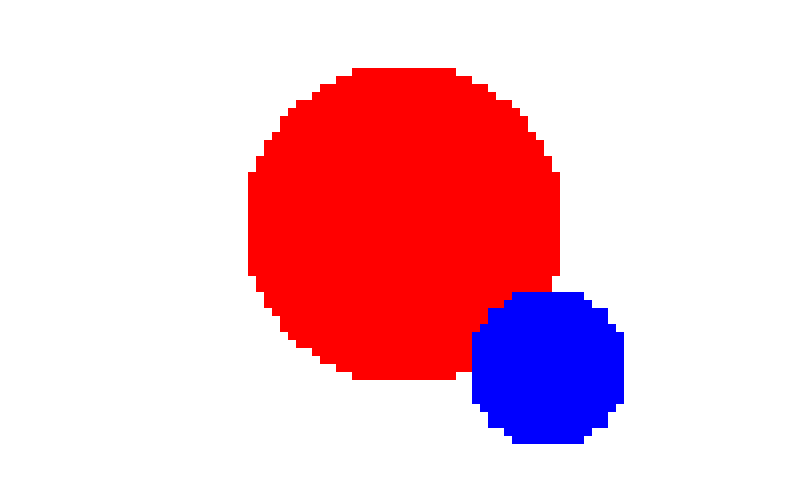
There's a better way to do this though, without doing two separate if statements — yes, you could just do a logic or || — but you could also combine the two regions as one by getting the minimum distance, as such:
let d = min(d1,d2)
if(d < 0) set(x,y, color(255,0,0))

if(abs(d) < .5) set(x,y, color(0,0,0)) // colors the outline in blackThen you'd get something like the below render, where it also becomes really easy to set the color of the region's outline:

Towards the end of the tutorial Daniel also shows us how to export the animation as a video — and that simply with bash script!
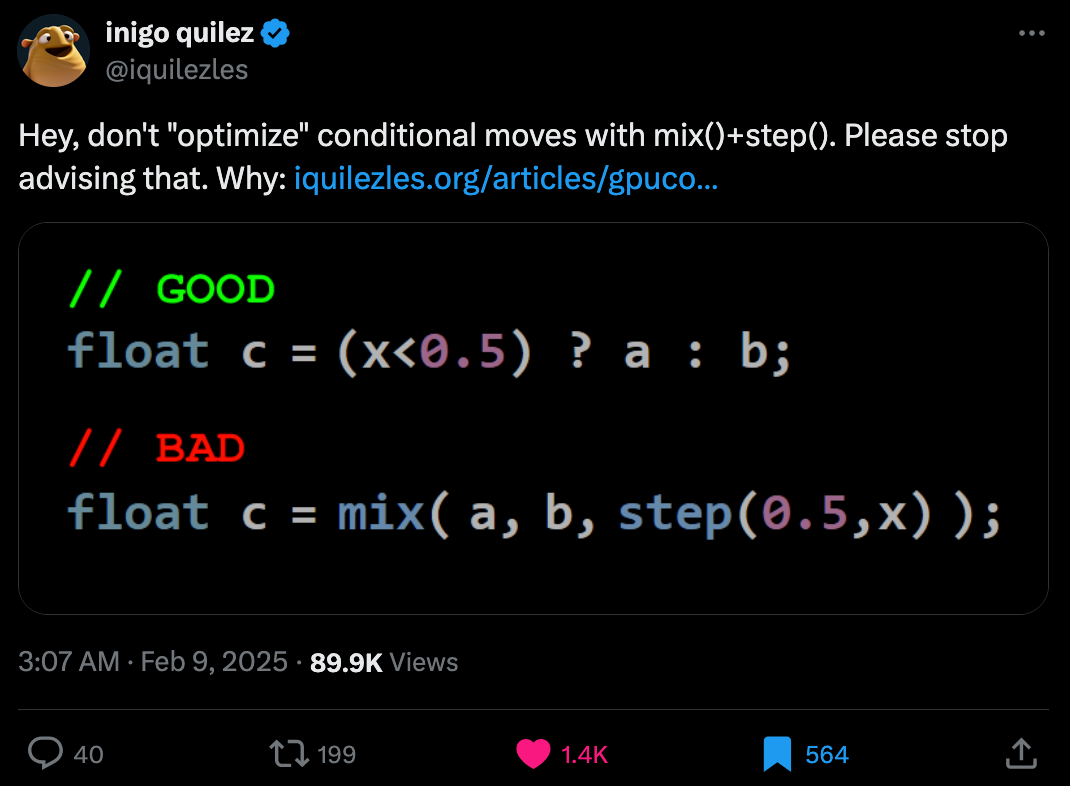
2 — How to not "optimize" GPU conditionals: (opens in a new tab) while we're already talking about GLSL, here's an important PSA from Inigo Quilez — he posts about a common misconception that's often erroneously advised to be a math trick for optimizing conditional moves on the GPU.
 (opens in a new tab)
I had to do a little bit of research to understand this, because I'm not by any means an expert; but in essence, GPUs run many threads in groups called warps, all of which follow the same instructions at the same time. When an if statement causes some threads to take one path and others to take a different one, the GPU has to run these paths separately, one after the other. This obviously slows things down because while one set of threads is working, the others have to wait — this problem is known as warp divergence (which sounds like something straight out of Star Trek).
The issue that Inigo Quilez points out is that some people mistakenly believe that using ternary operators (? :) or if statements in shader code introduce this warp divergence. In cases where the condition simply selects between values (the code snippet he demonstrates in his post), the GPU does not actually branch — it simply performs a conditional move (select), which is an efficient instruction that does not disrupt execution flow.
The misguided "optimization" replaces the ternary-based selection with arithmetic masking (step() functions and multiplications), thinking it avoids the GPU from branching. But in reality, this approach actually introduces unnecessary calculations, making the shader slower. Inigo Quilez confirms this by inspecting the compiled GPU machine code, showing that the original ternary-based code doesn't branch, and that the so-called optimization is both unnecessary and counterproductive.

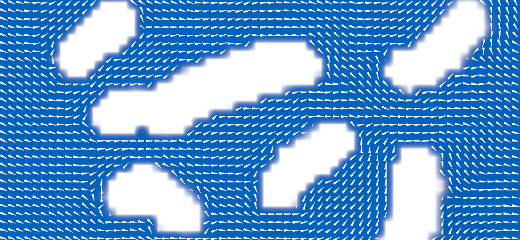
In a nutshell, it's basically a simulation based on a simplified version of the Navier-Stokes equations, also known as the shallow-water equations (SWE) (opens in a new tab). Instead of working in 3D, things are flattened down to 2D, averaging the water's behavior along the vertical direction. This requires the use of a staggered grid, where the water's height is stored inside the grid cells, whereas water flow is stored along the edges between cells.
In a very oversimplified manner of explaining things, water moving between cells depends on the difference in elevation, and the amount of water held by each cell. Naturally the water will flow from higher to lower positions, and the quantity will also balance itself out — Lysiarus shares the technical details in the tutorial and also provides a WebGPU implementation here (opens in a new tab).
Noteworthy here is that this same approach is used in a game called Timberborn, a post-apocalyptic beaver themed city-building game:
 Michal Amielanczyk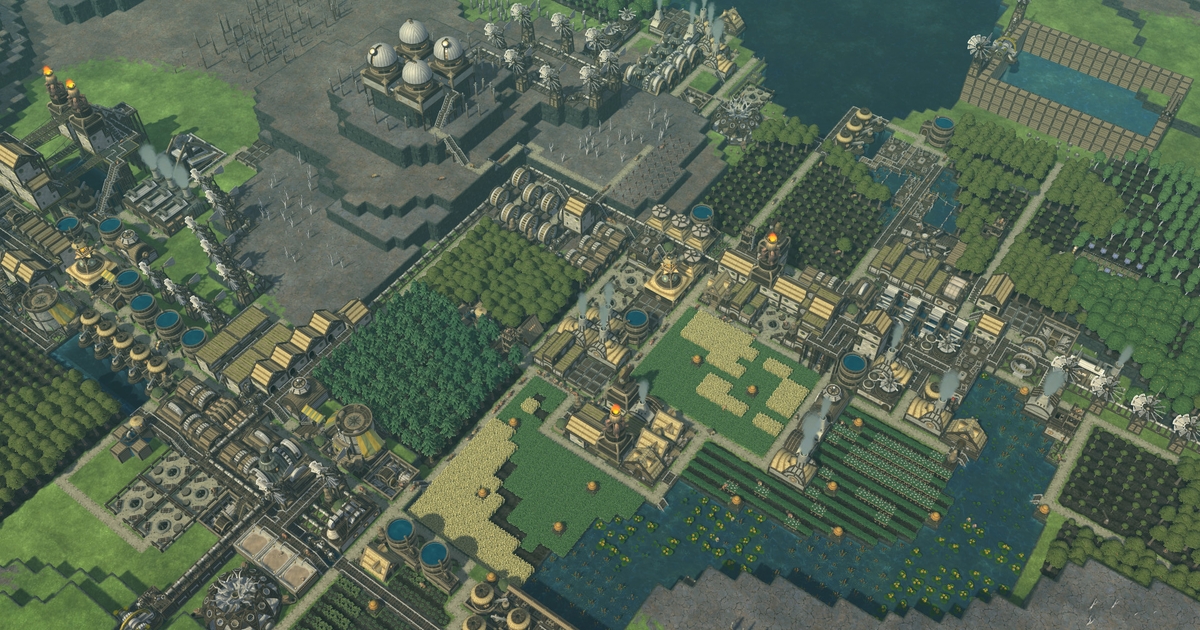
 (opens in a new tab)
 Shri Khalpada
Tech & Web Dev
 Christian Lawson-Perfect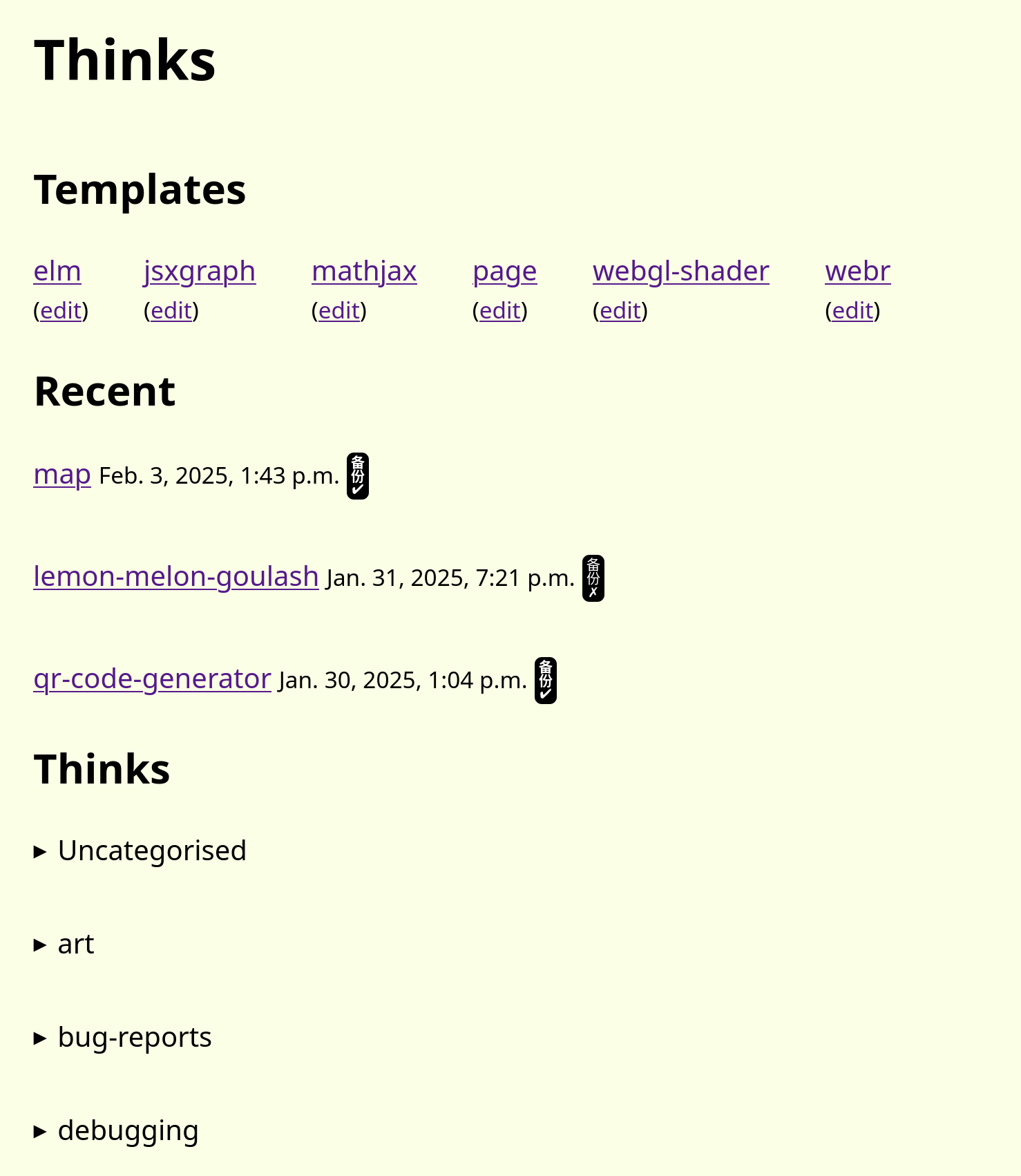
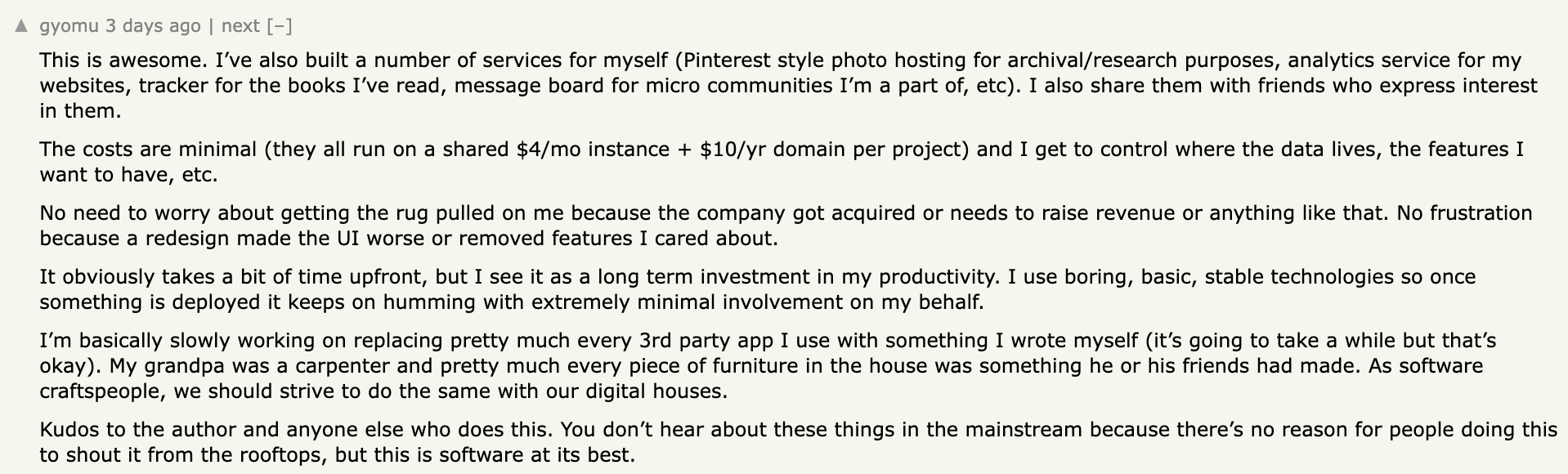
After a year of using it and creating around 80 small projects, he shares the code for it over on his Forgejo instance (opens in a new tab). What's worth pointing out is that it strongly resonated with the folks over on Hacker News, with many sharing stories about their own custom coding environments to build small useful tools:
 Marcin Wichary
Originally created for engraving machines in the early 1900s, Gorton found its way onto everything from subway signs and machinery to space equipment — Gorton's mechanical design and durability made it perfect for signs and labels that needed to last, which is why you find it in places like nuclear facilities, and even the Apollo moon missions.
Can we also take a moment to appreciate how incredibly stylish Marcin's website is?

AI Corner
 Tim O’Reilly
backs his claims by tracing the history of how programming has evolved, changes in programming over the past decades showed that as tools became more powerful and user-friendly, more people could create software, expanding the field rather than shrinking it.
In the second half of the video Freya comments on the deceptive nature of this content, what's seemingly friendly sounding on the surface is simply a low effort slop that tries to compete in the search rankings, either to promote whatever product/software that website is trying to sell, or to get a few cents of ad-revenue out of your attention.
Music for Coding
This one was recommended to me while listening to Matthew Halsall's On the Go that I recommended last week — and I've pretty much just been listening to Mammal Hands this entire week, in particular their fifth studio album "Gift from the Trees" that came out last year. All tracks are really rich and atmospheric, somehow earthy and spiritual. Swirling, smooth saxophone melodies soar above complex rhythmic percussion patterns.
I can also highly recommend all other albums put out by Gondwana Records, it's all just pure ear candy!
Fun fact: after digging for the designer behind the stellar album covers, it turns out that it's actually Matthew Halsall's brother, Daniel Halsall, the creative director of Gondwana Records.
And that's a wrap — hope you've enjoyed this week's curated assortment of genart and tech shenanigans!
Now that you find yourself at the end of this Newsletter, consider forwarding it to some of your friends, or sharing it on the world wide webs—more subscribers means that I get more internet points, which in turn allows me to do more internet things!
Otherwise come and say hi over on TwiX (opens in a new tab), Mastodon (opens in a new tab), or Bluesky (opens in a new tab) and since we've also got a Discord now, let me shamelessly plug it here again. (opens in a new tab) If you've read this far, thanks a million! And in case you're still hungry for more generative art things, you can check out last week's issue of the newsletter here:
 Ahmad Moussa
You can also find a backlog of all previous issues here:
Cheers, happy coding, and again, hope that you have a fantastic week! See you in the next one!
~ Gorilla Sun 🌸


